

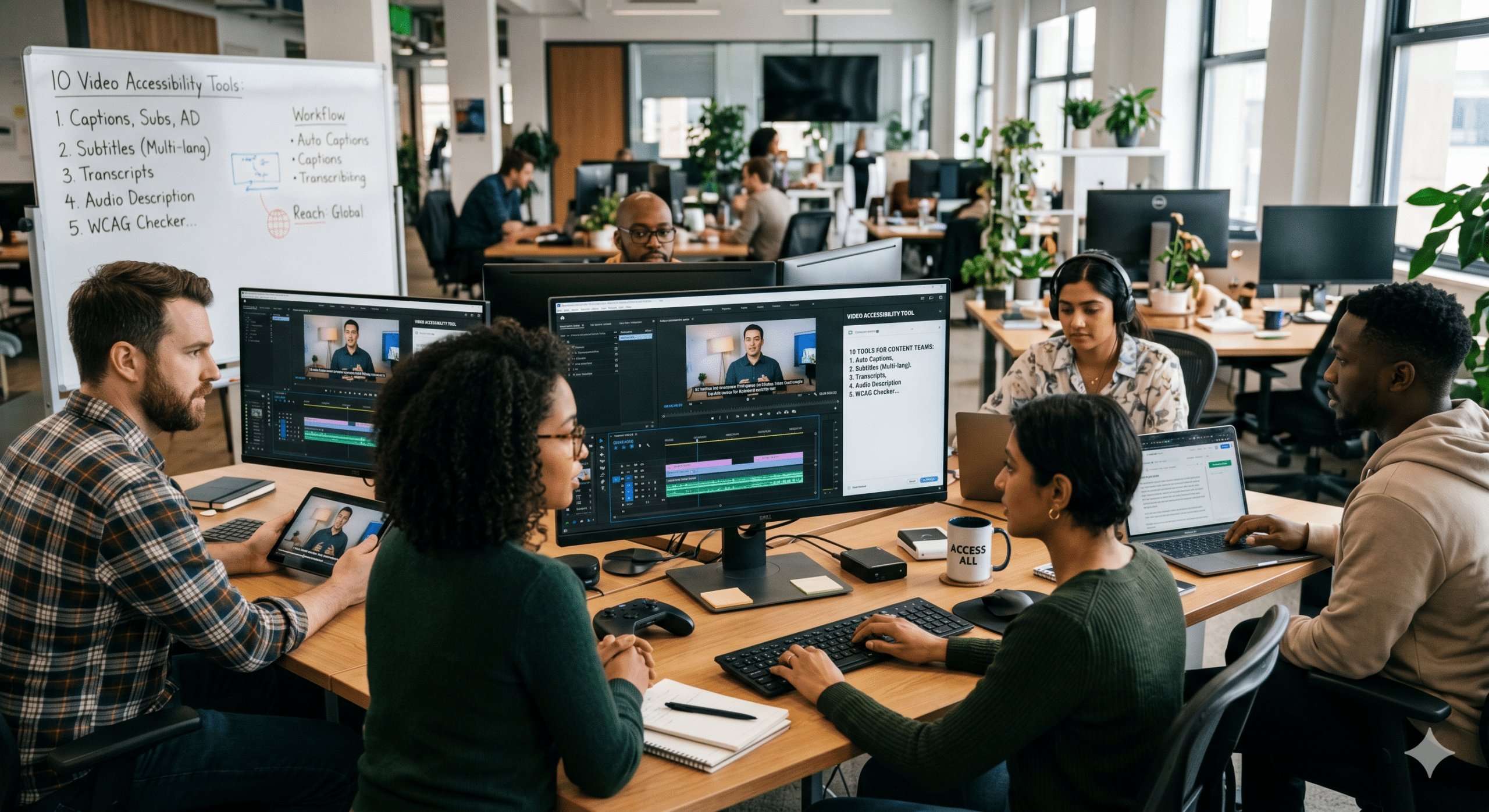
Video production has accelerated across virtually every sector. Creators are transforming podcasts into visual content, educators are building extensive online learning libraries, and social media platforms are driving an endless demand for short-form videos. Additionally, companies are producing training materials, webinars, and product presentations at a scale that was difficult to imagine only a few years ago.
As content volume continues to increase, audiences are also changing how they consume information. Many viewers watch videos without sound while commuting, working, or scrolling through social media. At the same time, global audiences expect content in multiple languages. Furthermore, educational institutions and businesses are placing greater emphasis on inclusive learning experiences that accommodate different accessibility needs.
Because of these shifts, searches related to captions, transcripts, subtitles, and accessibility have risen significantly. However, accessibility is no longer just about compliance. Instead, it has become an important operational strategy for organizations that want to create more content without increasing production costs.
From our perspective as Video Editors, Post-Production Specialists, Instructional Designers, and EdTech professionals, the most successful content teams approach accessibility differently. Rather than treating it as a final task before publishing, they build it directly into their production process from the beginning.
As a result, they can increase throughput, reduce cycle time, and minimize production waste. In other words, they spend less time fixing problems and more time creating valuable content.
This is exactly where modern video accessibility tools deliver their greatest value.
The Real Cost of Ignoring Accessibility During Production
Many content creators still follow an outdated workflow. First, they record the content. Next, they edit the footage. Then they publish the final version. After that, someone remembers captions, transcripts, subtitles, or accessibility requirements.
Unfortunately, this approach creates unnecessary delays.
When accessibility is added at the end of production, teams often need to reopen projects, review timelines, make revisions, export new versions, and conduct additional quality checks. Consequently, production schedules become longer and more expensive.
From an operations standpoint, this is a classic example of waste.
Every unnecessary revision consumes resources. Every additional review cycle slows production. Every avoidable correction reduces overall efficiency.
On the other hand, organizations that integrate accessibility into their workflow from the start eliminate much of this friction. Therefore, they can move projects from creation to publication much faster.
More importantly, they can scale content production without creating bottlenecks.
As video demand continues to rise, this advantage becomes increasingly valuable.
Why Throughput Matters More Than Ever
In traditional media production, success often depended on creating a small number of high-quality projects each year. Today, however, success often depends on consistency and volume.
A podcast might release three episodes each week. A YouTube automation channel may publish daily content. Likewise, an online learning company could produce dozens of training videos every month.
Because of this reality, production teams must think differently.
Instead of asking how to create one perfect video, they must ask how to create many high-quality videos efficiently.
This is where throughput becomes critical.
Throughput refers to the amount of completed work produced within a given period. Therefore, any process that slows production reduces throughput.
Accessibility tasks performed manually can quickly become bottlenecks. Conversely, accessibility workflows supported by modern video accessibility tools can dramatically increase production capacity.
As a result, organizations can publish more content while maintaining quality standards.
1. AI Captioning Platforms Eliminate Hours of Manual Work
The first category of video accessibility tools that deserves attention is AI captioning software.
For years, manual caption creation was one of the most time-consuming parts of post-production. Editors frequently spent hours listening to dialogue, typing captions, synchronizing text, and correcting timing issues.
Although manual captioning still has value for specialized projects, it is no longer practical for high-volume production environments.
Fortunately, AI-powered captioning platforms have changed the equation.
Today, creators can generate captions automatically within minutes. Afterward, editors only need to review and refine the results rather than starting from scratch.
As a result, caption creation becomes significantly faster.
Furthermore, captions support viewers who watch videos without sound. Since silent viewing continues to grow across social media platforms, captions now contribute directly to audience retention and engagement.
From a workflow perspective, automated captioning reduces cycle time because teams spend less time on repetitive tasks. At the same time, it reduces scrap because fewer manual processes mean fewer opportunities for human error.
Consequently, content can move through production pipelines much more efficiently.
Another important benefit involves consistency. When captions are generated through a standardized process, formatting and presentation remain uniform across multiple projects. Therefore, organizations can maintain quality while scaling production.
Most importantly, captions are no longer viewed as an extra feature. Instead, they have become a core component of modern content delivery.
2. Automated Transcription Tools Turn One Asset Into Many
One of the biggest mistakes content creators make is producing content once and using it only once.
For example, a podcast episode often contains valuable insights, expert commentary, and educational information. Yet many organizations simply publish the audio or video and move on to the next project.
As a result, much of the content’s potential value is lost.
Automated transcription tools help solve this problem.
By converting spoken content into text, these platforms create new opportunities for repurposing information. Consequently, a single video can generate multiple content assets.
For instance, a transcript can become a blog article. Furthermore, it can be transformed into email content, social media posts, training documentation, FAQs, or searchable knowledge base resources.
Because of this versatility, transcription tools increase the return on every piece of content created.
From an operational perspective, this dramatically improves throughput. Instead of creating entirely new material for every platform, teams can reuse existing content in multiple formats.
Moreover, transcripts improve discoverability.
Search engines can easily analyze text. Therefore, transcripts often help videos appear in search results for additional keywords and topics.
At the same time, transcripts support viewers who prefer reading rather than watching. Some users simply absorb information more effectively through text. Others may need quick access to specific sections of information without watching an entire video.
Therefore, transcripts improve both accessibility and user experience simultaneously.
Most importantly, they reduce content waste by extracting maximum value from every production effort.
3. Interactive Transcript Systems Improve Learning Efficiency
Instructional designers have long understood a simple truth: people learn differently.
Some learners prefer watching videos. Others prefer reading text. Meanwhile, many learners switch between both formats depending on the situation.
Because of these varying preferences, interactive transcript systems have become increasingly important.
Unlike standard transcripts, interactive transcripts are connected directly to video timelines. Therefore, users can click specific sections of text and immediately jump to corresponding points in the video.
As a result, learners spend less time searching and more time learning.
This improvement may seem small at first. However, its impact becomes significant when scaled across hundreds or thousands of users.
For example, imagine an employee trying to review a specific process within a 60-minute training video. Without an interactive transcript, they may spend several minutes searching for the correct section.
With an interactive transcript, they can locate the information almost instantly.
Consequently, learning becomes more efficient.
Furthermore, organizations benefit because employees spend less time looking for information and more time applying it.
From a throughput perspective, interactive transcripts reduce wasted effort. Meanwhile, they improve learner satisfaction by making content easier to navigate.
Additionally, these systems support accessibility requirements while simultaneously enhancing the overall educational experience.
Because of this dual benefit, interactive transcripts are becoming a standard feature in modern online learning environments.
4. Multilingual Subtitle Tools Expand Audience Reach Without Refilming
Creating content for international audiences traditionally required significant resources.
In many cases, organizations had to hire translators, record multiple voiceovers, create separate video versions, and manage complex localization projects.
While this approach can still be effective, it is often expensive and time-consuming.
Fortunately, multilingual subtitle tools offer a more efficient alternative.
Instead of creating entirely new productions, organizations can generate translated subtitles for existing content. As a result, a single video can reach audiences across multiple regions and languages.
This capability has become especially important as businesses expand globally.
Likewise, educational institutions are increasingly serving learners from different countries. Therefore, multilingual accessibility is no longer a niche requirement.
From a production standpoint, subtitle translation significantly reduces cycle time.
Rather than producing multiple versions of the same content, teams can adapt existing materials much more quickly.
Furthermore, localization costs decrease because the core video remains unchanged.
Consequently, organizations can expand audience reach without dramatically increasing production budgets.
This creates an important efficiency advantage.
Instead of repeatedly producing similar content for different markets, creators can maximize the value of a single production asset.
As content libraries continue to grow, this efficiency becomes even more valuable.
5. Audio Description Technology Creates More Inclusive Experiences
Accessibility extends far beyond captions and transcripts.
While many discussions focus on helping viewers access spoken content, visual information also plays a critical role in communication.
For example, instructional videos frequently include demonstrations, diagrams, charts, animations, screenshots, and visual cues.
Without additional context, viewers with visual impairments may miss important information.
This is where audio description technology becomes valuable.
Audio descriptions provide spoken explanations of visual elements that appear on screen. Consequently, users receive additional context that helps them understand what is happening throughout the video.
From an educational perspective, this support can dramatically improve comprehension.
Furthermore, audio descriptions help ensure that critical information is not communicated exclusively through visuals.
As a result, content becomes more inclusive and accessible to a broader audience.
From a workflow standpoint, integrating audio descriptions early in production reduces the need for future revisions.
Instead of returning to completed projects later, teams can address accessibility requirements during the initial development process.
Therefore, production schedules remain more predictable.
Additionally, organizations avoid the costs associated with extensive post-publication modifications.
Most importantly, audio descriptions help ensure that all viewers have access to the same information, regardless of how they interact with content.
As accessibility expectations continue to evolve, this capability will become increasingly important for educational institutions, businesses, and content creators alike.
6. Real-Time Captioning Tools Support Live Content at Scale
Live content continues to grow across nearly every industry. Businesses host webinars, educators conduct virtual classes, podcasters stream interviews, and creators engage audiences through live broadcasts. Because of this growth, accessibility challenges have expanded beyond prerecorded content.
Traditionally, live events required human captioners to create real-time text. Although this approach remains highly accurate, it can also increase costs and scheduling complexity. Fortunately, modern real-time captioning tools provide an efficient alternative.
These systems convert spoken language into captions almost instantly. As a result, viewers can follow discussions as they happen rather than waiting for transcripts or edited recordings.
Furthermore, real-time captions improve engagement for attendees who are watching in noisy environments or who prefer reading along while listening. At the same time, they support participants who are deaf or hard of hearing.
From an operational perspective, real-time captioning reduces delays because accessibility is built directly into the event experience. Consequently, organizations avoid the extra production cycles that would otherwise be required to create separate accessible versions later.
Moreover, recorded webinars often become valuable content assets after the live event concludes. Therefore, captions generated during the broadcast can support future editing, transcription, and repurposing efforts.
Because of these benefits, real-time captioning has become one of the most valuable categories of video accessibility tools for organizations producing frequent live content.
7. Accessible Video Players Remove Friction for Viewers
Even the best captions and transcripts can lose their value if viewers struggle to access them.
Unfortunately, many organizations focus heavily on content creation while overlooking the viewing experience itself. As a result, accessibility features may exist but remain difficult to use.
Accessible video players solve this problem.
Rather than forcing users to navigate confusing interfaces, accessible players make captions, transcripts, and playback controls easy to locate and manage.
Furthermore, they often support keyboard navigation, screen readers, adjustable playback speeds, and customizable display settings. Consequently, viewers can tailor the experience to meet their specific needs.
From an instructional design perspective, reducing friction is essential. After all, every unnecessary obstacle increases the likelihood that users will abandon content before completing it.
Likewise, businesses benefit when viewers stay engaged for longer periods. Therefore, improving accessibility often contributes directly to stronger learning outcomes, higher completion rates, and better audience retention.
From a throughput standpoint, accessible players also reduce support requests. When viewers can solve problems independently, teams spend less time troubleshooting and more time creating new content.
As a result, operational efficiency improves while audience satisfaction increases.
8. AI Quality Assurance Tools Reduce Accessibility Errors
Although AI has dramatically improved captioning and transcription speed, automated systems are not perfect.
Names, technical terminology, industry jargon, accents, and background noise can sometimes create inaccuracies. Therefore, quality control remains an important part of the accessibility process.
However, reviewing every caption line manually can become time-consuming, especially when content volumes are high.
This is where AI-powered quality assurance tools create value.
Instead of requiring editors to review every second of content, these platforms identify potential issues automatically. For example, they may flag unusual words, low-confidence transcriptions, timing inconsistencies, or formatting concerns.
As a result, editors can focus their attention where it is needed most.
Furthermore, targeted reviews are significantly faster than complete manual audits. Consequently, production teams reduce cycle time while maintaining quality standards.
This approach also minimizes scrap.
In manufacturing environments, scrap refers to wasted materials or effort. Similarly, in content production, unnecessary editing work represents a form of waste.
Therefore, quality assurance tools help eliminate redundant effort while ensuring accessibility requirements are met.
Most importantly, organizations can scale content production without sacrificing accuracy.
As content libraries continue expanding, this capability becomes increasingly valuable.
9. Accessibility Analytics Reveal Opportunities Hidden in Plain Sight
Many organizations track views, watch time, click-through rates, and audience retention. While these metrics provide valuable insights, they often overlook accessibility performance.
As a result, businesses may miss important opportunities for improvement.
Accessibility analytics help fill this gap.
These tools provide information about caption usage, subtitle preferences, transcript engagement, language selection, and accessibility-related viewing behaviors.
Consequently, organizations gain a deeper understanding of how audiences actually consume content.
For example, a company may discover that captioned videos generate longer viewing sessions. Alternatively, an educational institution might find that transcript downloads correlate with higher course completion rates.
Furthermore, multilingual subtitle analytics may reveal demand in regions that were not previously considered priority markets.
Because of these insights, accessibility becomes more than a compliance initiative. Instead, it becomes a strategic source of audience intelligence.
From an efficiency perspective, analytics help teams allocate resources more effectively. Rather than relying on assumptions, they can prioritize improvements that produce measurable results.
Therefore, accessibility investments become easier to justify and easier to optimize over time.
Most importantly, analytics transform accessibility from a cost center into a performance driver.
10. Integrated Accessibility Workflows Maximize Throughput and Minimize Waste
The most successful organizations no longer treat accessibility as a separate department or final checklist item.
Instead, they integrate accessibility directly into every stage of production.
This shift may seem subtle. However, it fundamentally changes how content moves through the workflow.
Consider a traditional process. A video is recorded. Next, it is edited. Then it is published. Finally, someone creates captions, transcripts, subtitles, and accessibility updates.
Unfortunately, this sequence creates delays.
Every additional step introduces waiting time. Furthermore, each revision cycle increases labor costs and project complexity.
Now consider an integrated workflow.
A video is recorded. Simultaneously, captions are generated automatically. At the same time, transcripts are created. Next, accessibility reviews occur during editing rather than after publication. Finally, multilingual subtitles and accessibility checks are completed before release.
As a result, content moves through production more efficiently.
Cycle times become shorter.
Quality remains consistent.
Rework decreases.
Most importantly, throughput increases.
This is why modern video accessibility tools have become essential for scaling content operations.
They are not simply accessibility solutions. Rather, they are productivity tools that help organizations create more content with fewer delays and less waste.
As content demands continue growing, integrated accessibility workflows will become a defining characteristic of high-performing production teams.
The Future of Video Accessibility Tools
The future of accessibility is moving beyond basic captions and transcripts.
Increasingly, AI systems are becoming capable of identifying accessibility gaps before publication. Furthermore, they can recommend improvements, generate translations, create audio descriptions, and assist with quality assurance.
As a result, accessibility will become even more integrated into everyday production workflows.
Meanwhile, global audiences will continue expecting content that supports multiple languages and viewing preferences.
Likewise, educational institutions will continue emphasizing inclusive learning experiences that accommodate diverse learner needs.
Because of these trends, accessibility will no longer be viewed as an optional enhancement.
Instead, it will become a standard component of professional content creation.
Organizations that invest in accessibility today will be better positioned to meet future audience expectations.
Furthermore, they will benefit from faster workflows, stronger engagement, and greater content scalability.
Ultimately, accessibility and efficiency will become increasingly connected.
Conclusion
The explosive growth of podcasts, YouTube automation, TikTok content, online learning platforms, and global digital media has fundamentally changed how audiences consume information.
As a result, accessibility has become more important than ever.
However, the real story is not simply about compliance. Instead, it is about efficiency, scalability, and long-term content performance.
Throughout this article, we explored how modern video accessibility tools help organizations improve throughput, reduce cycle time, and minimize production waste.
First, AI captioning platforms eliminate hours of repetitive work. In addition, transcription tools transform a single piece of content into multiple reusable assets. Furthermore, interactive transcripts improve learning efficiency and user navigation.
Likewise, multilingual subtitles expand audience reach without requiring additional filming. Meanwhile, audio descriptions create more inclusive viewing experiences. Real-time captioning tools support live content, while accessible video players reduce user friction.
Moreover, AI quality assurance systems improve accuracy without slowing production. At the same time, accessibility analytics reveal opportunities that might otherwise remain hidden.
Finally, integrated accessibility workflows bring all these elements together into a streamlined production process.
Consequently, organizations can publish more content, serve more viewers, and achieve better outcomes without significantly increasing costs.
Most importantly, accessibility benefits everyone.
Viewers gain a better experience.
Learners gain better access to information.
Organizations gain greater efficiency.
Therefore, investing in video accessibility tools is no longer simply the right thing to do. It is also one of the smartest ways to build a faster, more effective, and more scalable content operation.
Frequently Asked Questions
What are video accessibility tools?
Video accessibility tools are software solutions that help creators make content easier to access through captions, transcripts, subtitles, audio descriptions, and accessible playback features.
Why are video accessibility tools important?
They improve content accessibility, increase audience reach, enhance user engagement, and reduce production bottlenecks. Additionally, they help organizations create inclusive experiences while improving operational efficiency.
Do captions help improve video performance?
Yes. Captions often increase watch time, improve viewer retention, and support silent viewing across social media platforms. Furthermore, they make content easier to understand in noisy environments.
What is the difference between captions and transcripts?
Captions appear on screen and synchronize with video playback. In contrast, transcripts provide a complete text version of the spoken content that can be read independently.
Can video accessibility tools help with multilingual content?
Yes. Many modern platforms automatically generate translated subtitles and multilingual captions. As a result, organizations can reach global audiences without creating entirely new videos.
Are video accessibility tools useful for online learning?
Absolutely. They improve learner engagement, support different learning preferences, and make educational content easier to navigate and understand.
References and Further Reading
For readers who want to explore the topic further, the following resources provide high-authority guidance on accessibility, captions, transcription, and inclusive video design:
- Section 508 – Captions and Transcripts Guidance
- Iowa State University Digital Accessibility Toolkit – Accessible Audio and Video Content
- Play Media Blog – Video Accessibility Best Practices
- Rev Blog – Captioning, Transcription, and Accessibility Insights
- Verbit Blog – Accessibility and Captioning Resources
- TechSmith Blog – Video Accessibility Guidelines for Creators
- Digital Accessibility Centre – Video Accessibility Best Practices
- WebAIM – Accessibility Articles and Resources
- AbilityNet – Digital Accessibility Knowledge Base