

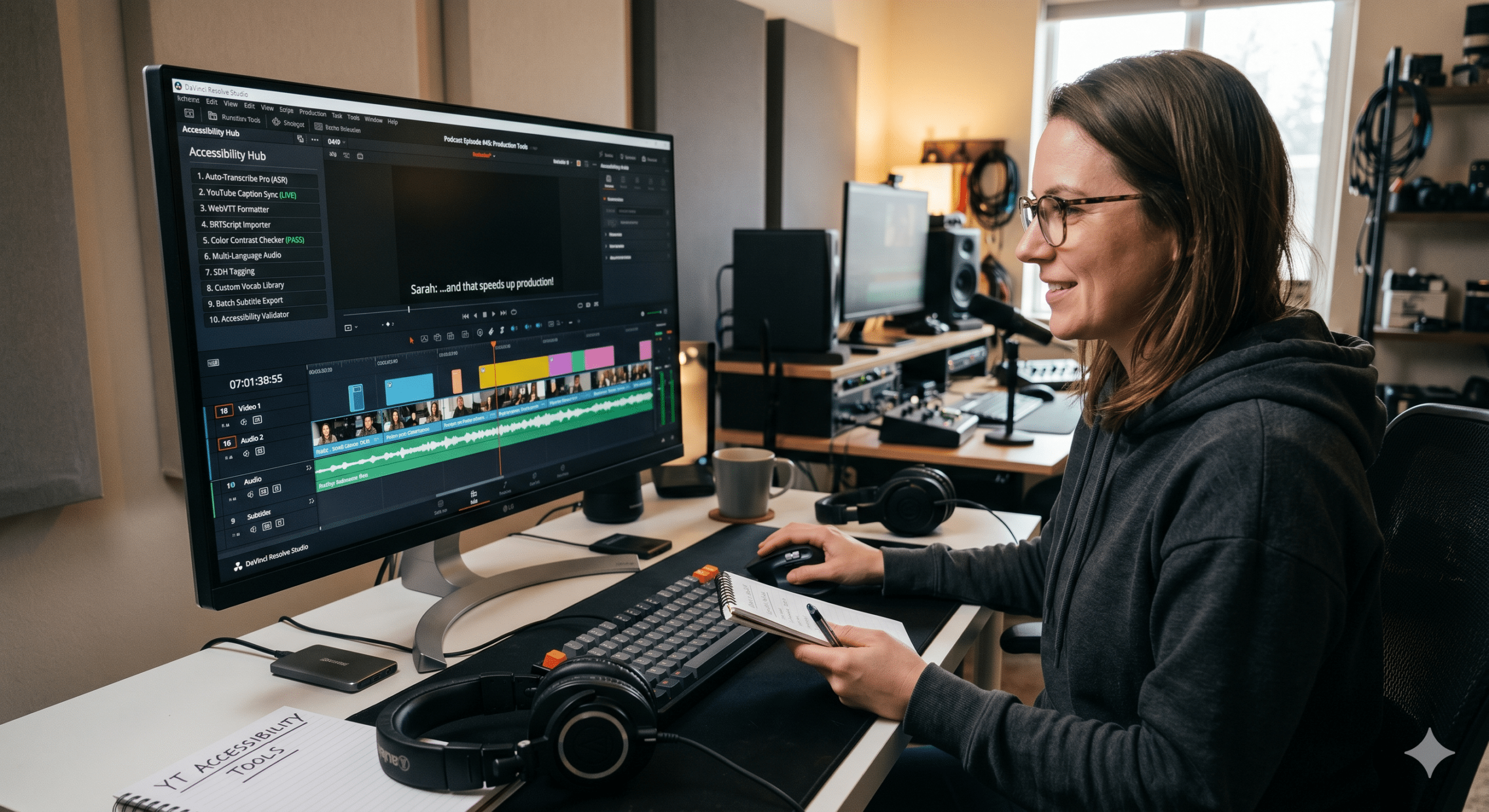
Video content is growing faster than ever. Podcasts are turning into YouTube channels. Online courses are expanding into global learning libraries. Businesses are producing webinars, training videos, product demonstrations, and social media clips at scale. Meanwhile, creators are publishing content across YouTube, TikTok, LinkedIn, Instagram, and learning platforms almost every day.
As a result, accessibility is no longer a secondary task that happens after publishing. Instead, it has become a critical part of the production workflow. Viewers expect captions. Learners expect transcripts. International audiences expect multilingual subtitles. Search engines increasingly rely on text-based content to understand video topics.
From our perspective as Video Editors, Post-Production Specialists, Instructional Designers, and EdTech Professionals, the biggest challenge is not creating accessibility assets. The real challenge is creating them quickly while maintaining quality.
This is where youtube accessibility tools are changing the game.
The best accessibility workflows are not simply about compliance. More importantly, they help teams maximize throughput, reduce cycle time, and minimize scrap rate. In practical terms, that means publishing more content, finishing projects faster, and spending less time fixing errors.
Why YouTube Accessibility Matters More Than Ever
Many creators still think accessibility only benefits viewers with hearing impairments. However, that view is outdated.
A significant percentage of online videos are watched without sound. Someone might be commuting, sitting in a quiet office, studying in a library, or scrolling social media late at night. In all of these situations, captions become essential.
At the same time, transcripts help learners review information more efficiently. Furthermore, translated subtitles help organizations reach audiences that speak different languages.
Accessibility also supports discoverability. Search engines can understand text far more effectively than audio. Therefore, captions and transcripts often contribute to stronger search visibility and broader reach. (3Play Media)
Consequently, accessibility is no longer a separate project. It is part of modern content production.
Understanding Throughput, Cycle Time, and Scrap Rate in Video Accessibility
Before exploring the tools, it helps to understand the operational perspective.
Throughput refers to the amount of completed content a team can publish within a given period.
Cycle time refers to how long it takes to move from recording to final publication.
Scrap rate refers to wasted effort, rework, corrections, and avoidable mistakes.
Traditional captioning workflows often slow everything down. Teams record videos, export audio, send files to transcription services, wait for completion, review outputs, fix mistakes, create subtitle files, and finally upload everything to YouTube.
Every handoff adds delays.
Modern AI-powered accessibility workflows eliminate many of these bottlenecks.
Instead of waiting days for manual transcription, teams can generate captions within minutes. They can review and edit directly inside the platform, reducing unnecessary revisions and accelerating publishing schedules.
1. YouTube Automatic Captions
The first accessibility tool available to most creators is YouTube’s own captioning system.
Once a video is uploaded, YouTube automatically generates captions using speech recognition technology. This dramatically reduces production time because creators immediately receive a starting point rather than beginning from scratch. (Adobe Blog)
From a throughput perspective, automatic captions remove a major bottleneck.
However, relying exclusively on auto-generated captions creates a different problem.
Speech recognition systems frequently struggle with technical terminology, names, accents, and industry-specific vocabulary. Therefore, editors must still review and correct captions before publication. (Greater Lowell Technical High School)
The best workflow uses YouTube’s captions as a draft rather than a finished product.
2. Vimeo AI Subtitle Generator
Although Vimeo is primarily known as a video hosting platform, its accessibility tools have become increasingly powerful.
Its AI subtitle generation system creates captions automatically and supports multiple language translations. This makes it particularly useful for organizations producing educational content or international training programs. (Vimeo)
For instructional designers, this significantly reduces localization timelines.
Instead of creating subtitles manually for every language, teams can generate initial translations quickly and focus their effort on quality review.
As a result, cycle time decreases while content output increases.
3. Happy Scribe
Happy Scribe has become popular among educators, content marketers, and media production teams because it combines transcription, subtitle generation, and multilingual workflows in one platform. (HappyScribe)
From a production standpoint, the biggest advantage is consolidation.
Rather than moving files between multiple systems, teams can handle transcription, caption editing, subtitle exports, and translation inside a single environment.
Every eliminated handoff reduces processing time.
Furthermore, fewer handoffs mean fewer opportunities for errors.
4. Trint
For organizations producing webinars, interviews, podcasts, and educational recordings, Trint provides transcription capabilities designed around editing and collaboration.
Instead of treating transcripts as separate documents, Trint integrates them directly into content workflows.
Editors can search conversations, identify important segments, and create captions more efficiently.
This reduces rework because teams spend less time manually locating information within long recordings.
When hundreds of hours of content are processed each month, those time savings become substantial.
5. CADET Caption and Description Editing Tool
CADET is a free browser-based accessibility solution developed for captioning and audio description workflows. It supports multiple caption formats and allows users to generate accessibility assets without investing in expensive software. (ALA Journals)
Educational institutions often appreciate CADET because budget limitations can make enterprise accessibility platforms difficult to justify.
From an operational perspective, CADET lowers accessibility costs while maintaining production efficiency.
That means more content can be processed without increasing budgets.
6. AI Captioning Platforms for Short-Form Content
Short-form content introduces unique challenges.
TikTok videos, YouTube Shorts, and Instagram Reels move quickly. Visual transitions happen rapidly. Captions must remain synchronized while staying readable.
Modern AI captioning platforms help automate this process.
Instead of manually timing captions frame by frame, creators can generate synchronized captions automatically and focus on refining presentation.
This dramatically improves throughput because editors spend more time enhancing content and less time performing repetitive tasks.
7. Audio Description Tools
Captions address audio accessibility, but visual accessibility requires additional support.
Audio descriptions help explain important visual information for viewers who are blind or have low vision. Accessibility guidelines increasingly recognize the importance of these descriptions for comprehensive video accessibility. (Siteimprove)
Historically, creating audio descriptions required significant manual effort.
Today, AI-assisted workflows help identify scenes requiring descriptions, reducing review time and improving production efficiency.
As a result, accessibility becomes easier to scale.
8. Multilingual Subtitle Systems
Global audiences continue growing.
A training video created in English may need to support learners in Spanish, French, German, Japanese, Korean, and many other languages.
Traditional translation workflows create significant delays.
Multilingual subtitle systems streamline this process by generating translated captions automatically before human review. Vimeo, for example, supports subtitle translation across multiple languages. (Vimeo)
From a throughput perspective, this eliminates countless hours of repetitive work.
Instead of building every subtitle track manually, teams focus only on quality assurance.
9. Transcript Management Platforms
Many organizations underestimate the value of transcripts.
However, transcripts serve as the foundation for accessibility, search optimization, learning reinforcement, documentation, and content repurposing.
A single transcript can become:
- Blog articles
- Learning guides
- Knowledge base content
- Course materials
- Searchable archives
Accessibility experts consistently emphasize the importance of providing both captions and transcripts because they serve different user needs. (Boia)
When transcript management becomes part of the production workflow, content teams generate more value from every recording.
That is a direct throughput improvement.
10. Accessibility Quality Assurance Platforms
Generating captions is only the beginning.
Quality assurance remains essential.
Accessibility standards require captions to be synchronized, accurate, readable, and representative of meaningful audio information. (W3C)
Modern quality assurance platforms help identify issues such as:
- Timing problems
- Missing captions
- Formatting inconsistencies
- Reading speed violations
- Speaker identification errors
By identifying problems early, teams prevent costly rework later.
Consequently, scrap rates decrease significantly.
How the Best Teams Reduce Accessibility Scrap Rate
One of the biggest mistakes organizations make is assuming that AI-generated captions are perfect.
In reality, automated systems remain imperfect.
Studies and industry reports continue to highlight inaccuracies in automated captions, particularly when dealing with accents, technical language, multiple speakers, or specialized terminology. (Greater Lowell Technical High School)
The highest-performing teams use a hybrid approach.
First, AI creates the initial transcript.
Next, human reviewers perform targeted quality checks.
Finally, editors publish verified captions and transcripts.
This approach balances speed and accuracy.
Most importantly, it minimizes scrap rate because mistakes are caught before publication.
The Future of YouTube Accessibility Tools
Accessibility is moving from compliance requirement to production advantage.
Organizations that adopt efficient accessibility workflows can publish content faster, reach larger audiences, and improve learning outcomes.
Meanwhile, teams that continue using entirely manual processes often struggle to keep pace with growing content demands.
The future belongs to workflows that combine AI automation with human expertise.
When implemented correctly, youtube accessibility tools become more than accessibility solutions. They become production accelerators.
They help creators publish more content without sacrificing quality.
They shorten project timelines.
They reduce costly revisions.
Most importantly, they make video content accessible to everyone.
Frequently Asked Questions
What are youtube accessibility tools?
YouTube accessibility tools are technologies that help make video content usable for more people through captions, transcripts, subtitles, audio descriptions, and accessible playback experiences.
Why are captions important for YouTube videos?
Captions help viewers understand content when audio is unavailable and support people who are deaf or hard of hearing. They also improve comprehension and accessibility. (W3C)
Do automatic YouTube captions need editing?
Yes. Automatic captions provide an excellent starting point, but they frequently contain mistakes involving names, technical terms, accents, and complex speech patterns. (Adobe Blog)
Are transcripts different from captions?
Yes. Captions are synchronized with video playback, while transcripts provide a text version of the content that can be read separately. Both serve different accessibility needs. (Boia)
Can accessibility improve video SEO?
Yes. Captions and transcripts provide searchable text that helps search engines understand video content and improve discoverability. (3Play Media)
Further Reading
- 3Play Media – 8 Benefits of Video Transcription & Captioning
A comprehensive guide explaining how captions and transcripts improve accessibility, SEO, viewer engagement, and content discoverability. Ideal for creators, educators, and businesses building scalable video workflows. - YouTube Official Blog – How (and Why) to Add Captions to Your YouTube Videos
YouTube’s own guide covering caption creation methods, auto-generated captions, manual editing, and accessibility best practices directly within YouTube Studio. - W3C Web Accessibility Initiative – Captions and Subtitles
The industry-standard accessibility resource explaining how captions should be created, formatted, and implemented for maximum accessibility compliance. - Section508.gov – Captions and Transcripts
A practical government resource covering accessibility standards, captioning requirements, transcript creation, and video accessibility compliance. - Adobe – Making Your Videos as Accessible as Possible
An excellent creator-focused guide discussing automatic captions, transcripts, accessibility workflows, and ways to improve video usability for broader audiences. - 3Play Media – 5 Elements of Accessible Video
A detailed resource covering captions, transcripts, audio descriptions, and accessible video players. Particularly useful for educational content creators and instructional designers. - BOIA – Why Do I Need Both Transcripts and Captions for Accessibility?
Explains the differences between captions and transcripts, why both are important, and how they serve different accessibility needs. - Accessible.org – How to Make YouTube Videos ADA Compliant
A modern guide focused specifically on YouTube accessibility, covering captions, audio descriptions, and WCAG compliance recommendations. - 3Play Media – 7 Ways Captions and Transcripts Improve Video SEO
Demonstrates how captions and transcripts support search visibility, keyword discovery, video rankings, and audience growth. - Purdue University – How to Create and Edit Accurate YouTube Captions
A practical tutorial covering caption quality, speaker identification, punctuation, timing, and readability best practices.