


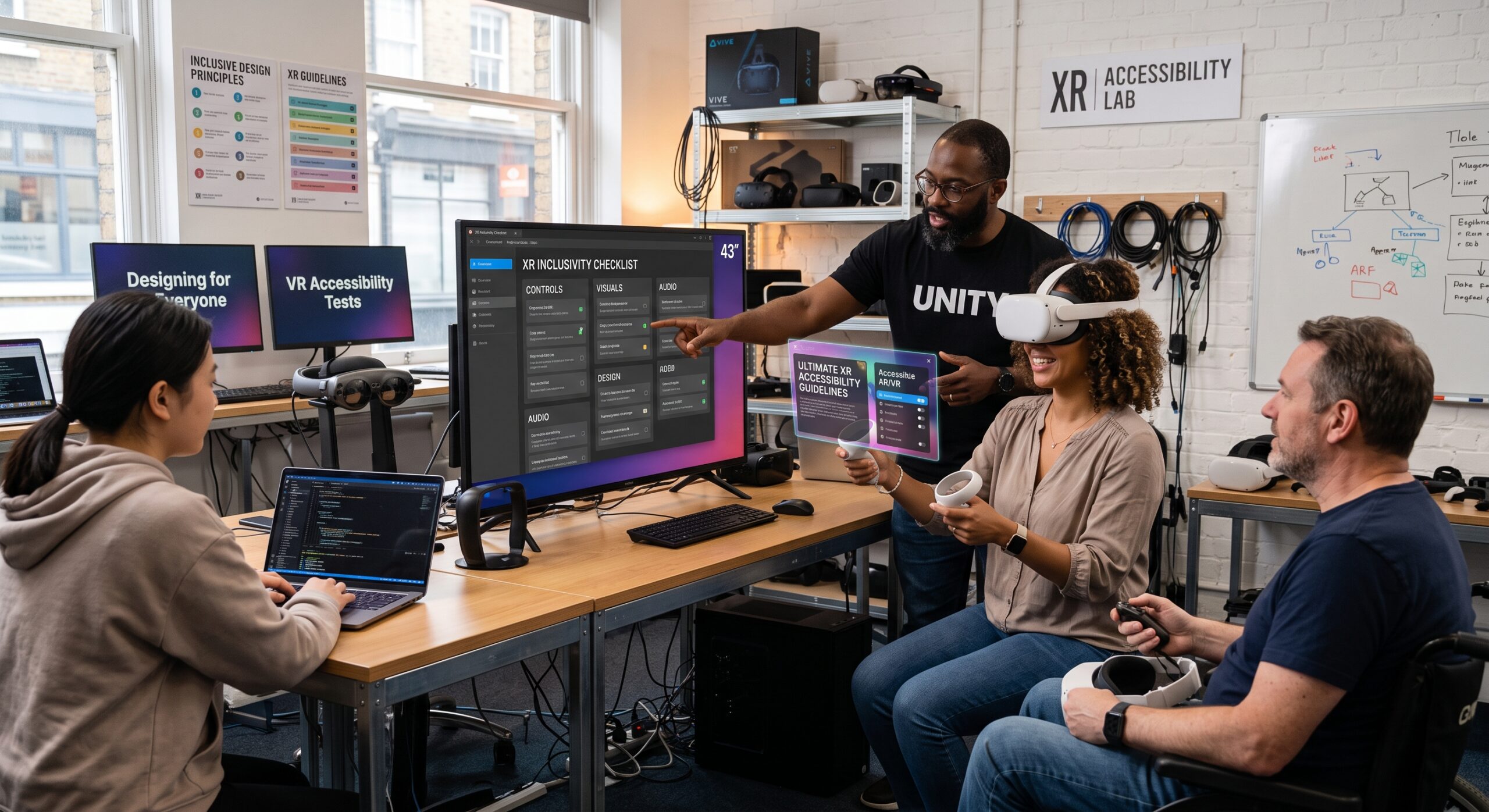
Implementing clear XR accessibility guidelines is essential as extended reality changes how people learn, work, shop, communicate, and experience entertainment. However, an immersive experience can quickly become inaccessible when it assumes that every user can see small interface elements, hear spoken instructions, stand for long periods, move freely, react quickly, or process complex information without support.
Accessible XR is not simply a matter of adding captions or increasing text size at the end of development. Instead, it requires thoughtful decisions throughout research, design, development, testing, and launch. Ultimately, following comprehensive XR accessibility guidelines allows teams to provide flexibility, reduce unnecessary physical and sensory demands, and give users more than one way to understand information and complete important tasks.
Therefore, these XR accessibility guidelines are intended for designers, developers, product managers, educators, and organizations building extended reality, augmented reality, and virtual reality experiences for people with diverse physical, sensory, cognitive, and communication needs.
Understanding Core XR Accessibility Guidelines
Extended reality includes virtual reality, augmented reality, mixed reality, and other immersive environments. Naturally, each format creates different accessibility opportunities and barriers.
For instance, virtual reality places users inside a fully simulated environment. Meanwhile, augmented reality overlays digital information onto the physical world. In contrast, mixed reality combines physical and digital elements so that both can respond to one another. Across all formats, however, core XR accessibility guidelines mandate that people can participate, understand content, control the experience, and achieve the intended goal without being excluded by avoidable design choices.
Furthermore, the World Wide Web Consortium’s XR accessibility guidelines (specifically the XR Accessibility User Requirements) identify several important needs, including multimodal communication, adaptable controls, customization, accurate descriptions, and support for assistive technologies. The guidance is especially useful because it focuses on what users need rather than restricting accessibility to a single device or interaction method.
Consequently, effective XR accessibility guidelines state that an experience should answer six basic questions:
- Can the user enter and set up the experience?
- Can the user understand the information being presented?
- Can the user control the interface?
- Can the user move through the environment safely?
- Can the user complete the main task?
- Can the user exit, pause, or recover from an error?
If the answer to any of these questions is no, then the experience may contain a serious accessibility barrier.
Begin With Inclusive Research
Accessibility should begin before the first wireframe or prototype. To achieve this, start by identifying the real people and situations that the experience must support.
Crucially, do not assume that a diagnosis tells you exactly how someone will use XR. After all, two people with the same disability may use different assistive strategies, devices, or settings. For example, a person with limited mobility may prefer seated interaction, whereas another may use a standing setup with adapted controllers. Similarly, a person with low vision may benefit from magnification, audio descriptions, high contrast, or a combination of all three.
User research should explore:
- Physical movement, reach, balance, and fatigue.
- Vision, hearing, speech, and tactile perception.
- Memory, attention, language, and processing speed.
- Sensitivity to motion, light, sound, or visual clutter.
- Preferred input devices and assistive technologies.
- Environmental factors such as lighting, noise, space, and privacy.
- Whether users need an equivalent desktop, mobile, or nonimmersive alternative.
Additionally, include disabled people in research and testing as paid participants, advisers, designers, and subject-matter experts. Indeed, accessibility testing performed without disabled users often misses barriers that appear obvious only during real use.
A practical research exercise within XR accessibility guidelines is to map the user’s complete journey. Specifically, consider device setup, account creation, calibration, tutorials, navigation, interaction, social features, error recovery, and exit. Otherwise, a product may appear accessible during the main activity while excluding users during setup or onboarding.
Design for Multiple Ways to Interact
One of the most important principles within XR accessibility guidelines is choice. Therefore, do not force every user to interact through the same gesture, controller, posture, or movement pattern.
Depending on the platform, offer alternatives such as:
- Hand tracking.
- Physical controllers.
- Voice commands.
- Gaze-based selection.
- Dwell activation.
- Keyboard or switch input.
- Touch controls for mobile AR.
- One-handed interaction.
- Seated and standing modes.
- Adjustable movement and reach settings.
Crucially, alternative input methods should provide comparable access to essential tasks. They should not be hidden in a confusing settings menu or treated as experimental features.
In addition, avoid interactions that require precise timing, rapid repeated movements, or uncomfortable arm positions. For instance, a user should not need to hold both arms overhead, reach toward distant objects, or perform a small wrist gesture repeatedly when a larger target or simple button would work just as well.
Controls should be remappable whenever possible. As a result, users can change button assignments, hand dominance, sensitivity, pointer speed, activation timing, and movement preferences. In fact, the W3C specifically highlights the need for alternative control mapping, resizing, repositioning, and sensitivity adjustments in immersive environments.
Finally, design for recovery as well as action. Always include pause, undo, repeat, reset, and cancel options. Thus, if a user accidentally selects an object, they will not be forced to restart the entire experience.
Support Visual Accessibility
Immersive interfaces can create visual barriers through small text, low contrast, excessive brightness, cluttered scenes, or information that is communicated only through color.
First, use readable text with sufficient size, spacing, and contrast. Text should remain legible at the user’s normal viewing distance and should not be placed against a visually complex background. Furthermore, allow users to adjust text size and interface scale without causing controls to overlap.
Second, never rely on color alone to communicate meaning. Instead, pair color with labels, shapes, patterns, icons, position, or sound. For example, a red warning indicator should also include a clear warning symbol and text explaining the problem.
Useful visual options include:
- High-contrast themes.
- Brightness and exposure controls.
- Adjustable interface scale.
- Reduced visual clutter.
- Larger interaction targets.
- Focus indicators.
- Customizable color palettes.
- Optional animation reduction.
- Magnification or zoom.
- Text alternatives for important visual objects.
Moreover, provide descriptions for meaningful objects, scenes, charts, demonstrations, and changes in the environment. Specifically, in VR, audio description can explain visual information that is not otherwise available. Conversely, in AR, users may need spoken or text-based descriptions of objects detected in the physical environment.
Do not assume that a virtual object is understandable simply because it looks realistic. On the contrary, users need clear labels, consistent placement, and predictable behavior.
Make Audio and Speech Inclusive
Sound often carries essential information in XR. For instance, a voice may announce a direction, a chime may indicate a completed action, or a warning tone may signal danger. However, if the information is available only through audio, users who are deaf or hard of hearing may be excluded.
Therefore, provide captions for spoken dialogue, instructions, narration, and significant background sounds. Captions should be readable, synchronized, and positioned so that they remain visible without blocking important content. In addition, allow users to adjust caption size, background opacity, placement, and display duration.
A transcript is also useful for tutorials, training sessions, recorded experiences, and complex conversations. Consequently, users can review instructions rather than relying on memory.
Audio accessibility also includes sound control. Specifically, give users the ability to adjust:
- Overall volume.
- Speech volume.
- Sound effects.
- Music.
- Spatial audio intensity.
- Balance between channels.
- Background noise.
- Alert sounds.
Furthermore, pair important audio cues with visual or haptic alternatives. For instance, a spoken instruction can also appear as text, while an alert can use a visible icon and vibration where appropriate.
Likewise, speech recognition should not be the only way to complete a task. Because accents, speech disabilities, noisy environments, and privacy concerns can all affect voice interaction, always provide another reliable input method.
Reduce Motion and Physical Discomfort
Motion is one of the most common causes of discomfort in VR. In particular, artificial movement, rapid acceleration, camera rotation, visual instability, and sudden scene transitions can cause nausea, dizziness, headaches, or disorientation.
To prevent this, offer a comfort settings menu before the experience begins. It may include:
- Teleportation instead of continuous movement.
- Snap turning instead of smooth rotation.
- Adjustable movement speed.
- Reduced acceleration.
- A stable horizon.
- Vignette effects during movement.
- Reduced camera shake.
- Seated mode.
- Fade transitions.
- The ability to pause immediately.
Above all, avoid moving the user’s viewpoint without consent. If a scene requires a transition, signal it in advance and allow the user to skip or control it.
Physical accessibility requires more than a seated option. Because users may have limited reach, reduced strength, tremors, chronic pain, or difficulty maintaining a posture, provide adjustable interaction distance and allow objects to be brought closer. In addition, design large targets with generous activation zones rather than requiring pinpoint accuracy.
Moreover, consider fatigue in longer experiences. Consequently, include natural stopping points, automatic progress saving, and the ability to complete activities in shorter sessions. Particularly in training or workplace environments, schedule breaks and avoid treating endurance as a measure of skill.
Finally, for mobile AR, it does not require continuous camera movement for every important task. Since users may have limited mobility, reduced balance, or difficulty holding a phone steady, support stationary use, camera repositioning, and instructions that remain available after the user lowers the device.
Design for Cognitive and Learning Needs
Cognitive accessibility is often overlooked because it is less visible than physical or sensory accessibility. However, immersive environments can quickly overwhelm users with too much information, unclear objectives, complex navigation, or unexpected changes.
To avoid this, use plain language and short instructions. Additionally, present one decision at a time and explain unfamiliar controls before asking users to rely on them. Furthermore, avoid unnecessary jargon, metaphors, and hidden interactions.
Helpful features include:
- A short, skippable tutorial.
- The option to replay instructions.
- Persistent task reminders.
- Clear progress indicators.
- Consistent labels and icons.
- Predictable navigation.
- Adjustable difficulty.
- Reduced distractions.
- Fewer simultaneous tasks.
- Confirmation before irreversible actions.
- A calm mode with fewer effects.
Ultimately, users should be able to learn by doing without being punished for exploration. For instance, if a tutorial is skipped, it should remain accessible later. Likewise, if an instruction disappears too quickly, users should be able to bring it back.
In addition, avoid creating artificial urgency unless time pressure is central to the purpose of the experience. Instead, give users control over interaction speed and reading time. This benefits people with cognitive disabilities, language differences, attention-related conditions, and temporary fatigue.
Improve Navigation and Orientation
Immersive environments can make it difficult to understand where the user is, what they can interact with, and what they are expected to do next. Therefore, navigation should be intuitive and consistent.
Specifically, important locations and objects need clear names, visual identifiers, audio descriptions, or other cues. Additionally, provide a map, directional guide, landmark system, or simplified route when the environment is large or complex.
At any given point, users should know:
- Where they are.
- What they are looking at.
- What they can interact with.
- What action is available.
- What happened after they acted.
- How to return to a previous location.
Furthermore, do not hide essential controls behind gestures that users must discover by accident. Instead, make interactive objects visibly distinct from decorative objects and use consistent placement for menus and status information.
Orientation tools are especially important for people who cannot use visual landmarks easily. To support them, consider audio beacons, haptic signals, spoken directions, text prompts, and structured object descriptions.
Build Inclusive Social Experiences
Accessibility applies to multiplayer and social XR as much as it applies to individual use. For instance, voice-only communication can exclude people who are deaf, hard of hearing, nonspeaking, or uncomfortable speaking. Similarly, fast-moving group discussions can be difficult for users who need more time to process information.
To address this, support multiple forms of communication, including text chat, captions, visual indicators, gestures, and customizable avatars. In addition, let users identify speakers and distinguish important messages from background conversation.
Moreover, social safety features are accessibility features. Therefore, include controls for:
- Muting individuals.
- Reducing nearby voices.
- Blocking or hiding users.
- Adjusting personal-space boundaries.
- Reporting harassment.
- Managing invitations.
- Choosing who can interact with the user.
- Limiting visual and audio stimulation.
Ultimately, make collaboration accessible without requiring users to imitate a particular body movement or respond immediately. In this way, a user can participate in a shared activity through an alternative input method while still contributing meaningfully.
Test the Complete Experience
Accessibility testing should occur throughout development, not only before launch. Specifically, test prototypes early, because changing interaction models becomes expensive once the product is built around inaccessible assumptions.
Use a combination of methods:
- Expert accessibility reviews.
- Device and platform testing.
- Automated checks where available.
- Moderated usability sessions.
- Unmoderated real-world trials.
- Testing with assistive technologies.
- Testing in seated and standing configurations.
- Testing in bright, dim, noisy, and crowded environments.
Crucially, ask disabled testers to complete real tasks instead of merely commenting on visual designs. Then, measure whether they can enter the experience, understand the objective, control the interface, recover from mistakes, and finish the task.
In addition, record barriers systematically rather than treating feedback as isolated preferences. If several users need larger targets, repeatable instructions, or a nonimmersive alternative, those requests may reveal a fundamental design requirement.
Remember that accessibility is complete only when the experience works in practice. After all, a feature that exists but is difficult to find, unreliable, or incompatible with the main task is not an effective solution.
A Practical Checklist for Implementation
Before launch, review these six areas based on modern XR accessibility guidelines:
- Access: Can users install, launch, calibrate, and configure the experience?
- Input: Are there multiple ways to select, move, speak, point, and activate?
- Output: Are visual, audio, haptic, and textual alternatives available?
- Comfort: Can users control motion, posture, pace, brightness, sound, and session length?
- Understanding: Are instructions clear, repeatable, predictable, and easy to follow?
- Participation: Can users complete essential tasks independently and communicate with others?
Furthermore, provide clear accessibility information before purchase or enrollment. Specifically, explain supported devices, input methods, seated use, captions, audio description, motion settings, physical space requirements, and known limitations. Ultimately, honest information allows people to decide whether the experience is suitable for them.
Frequently Asked Questions
What are XR accessibility guidelines?
XR accessibility guidelines are design and development recommendations for making extended reality experiences usable by people with diverse abilities. Specifically, they cover areas such as input, output, navigation, physical comfort, cognition, communication, social interaction, and compatibility with assistive technologies.
For example, the W3C’s XR accessibility guidelines are a useful foundation because they describe user needs across immersive, augmented, and mixed reality environments.
Why is accessibility important in AR and VR?
Accessibility allows more people to participate in education, employment, healthcare, entertainment, shopping, and social experiences. In addition, implementing XR accessibility guidelines improves usability for people who may not identify as disabled, including older adults, people recovering from injuries, users in noisy environments, and anyone experiencing temporary fatigue or motion sensitivity.
In short, inclusive design often makes an experience clearer and easier for everyone.
What is the most important accessibility feature in VR?
There is no single feature that works for every user. However, adjustable movement is especially important because forced camera motion can cause discomfort and prevent some people from using VR at all.
Consequently, a strong VR experience following XR accessibility guidelines should offer comfort settings, seated use, alternative movement methods, pause controls, and the ability to reduce visual motion.
How can AR apps support users with low vision?
AR apps can provide scalable text, high contrast, audio descriptions, spoken labels, object recognition, clear focus indicators, and controls that do not depend on color alone. Thus, important information is made available through more than one channel.
Additionally, designers should avoid placing essential content against visually complex backgrounds.
Should every XR experience include captions?
Yes, captions should be provided for spoken dialogue, narration, instructions, and meaningful sounds. Furthermore, captions help people using XR in noisy environments, quiet environments, or situations where audio cannot be used.
For best results, captions should be customizable and synchronized with the content.
How do I test XR accessibility?
Test with disabled users during research, prototyping, development, and post-launch updates. In particular, include people with mobility, vision, hearing, speech, cognitive, and neurological differences where relevant to the product.
Moreover, test the complete journey, including setup, onboarding, interaction, navigation, social features, error recovery, and exit.
Is an alternative non-XR version necessary?
For some products, an equivalent non-XR option is essential. Indeed, if the main goal can be achieved through a desktop, mobile, web, or 2D interface, offering that alternative prevents people from being excluded by hardware, motion sensitivity, cost, physical space, or other barriers.
Ultimately, an alternative should provide the same essential outcome, even if the presentation differs.
References
- World Wide Web Consortium (W3C). XR Accessibility User Requirements. W3C Working Group Note, 2021. This foundational specification outlines fundamental user needs and technical requirements across virtual, augmented, and mixed reality environments.
- World Wide Web Consortium (W3C). XR Accessibility User Requirements Publication History. W3C Standards Tracking. Details the architectural history and working group standards progression for immersive web accessibility.
- XR Association (XRA). Developers Guide: Accessibility & Inclusive Design. XR Association Insights. Focuses on practical industry best practices, user agency, and methods for involving disabled participants throughout product lifecycles.
- HTC VIVE. Accessibility Design for XR Developers. VIVE Developer Resources. Examines developer-focused hardware and software implementations, including spatial audio customization and captioning techniques in VR.
- Resource Collaborative for Immersive Technology (RECITE). Cross-Platform Integration of Accessibility into XR. Zenodo Open Research, 2025. A comprehensive framework evaluating multi-user interactions, mobility adjustments, and Universal Design for Learning (UDL) integration across XR platforms.
Accessibility is not a finishing touch added after the immersive experience is complete. Instead, adhering to robust XR accessibility guidelines is a design discipline that helps teams create products with more choice, clearer communication, safer interaction, and broader participation. Consequently, when XR professionals involve disabled users from the beginning and build flexibility into every major decision, AR and VR can become environments that welcome people instead of asking them to adapt to unnecessary barriers.