

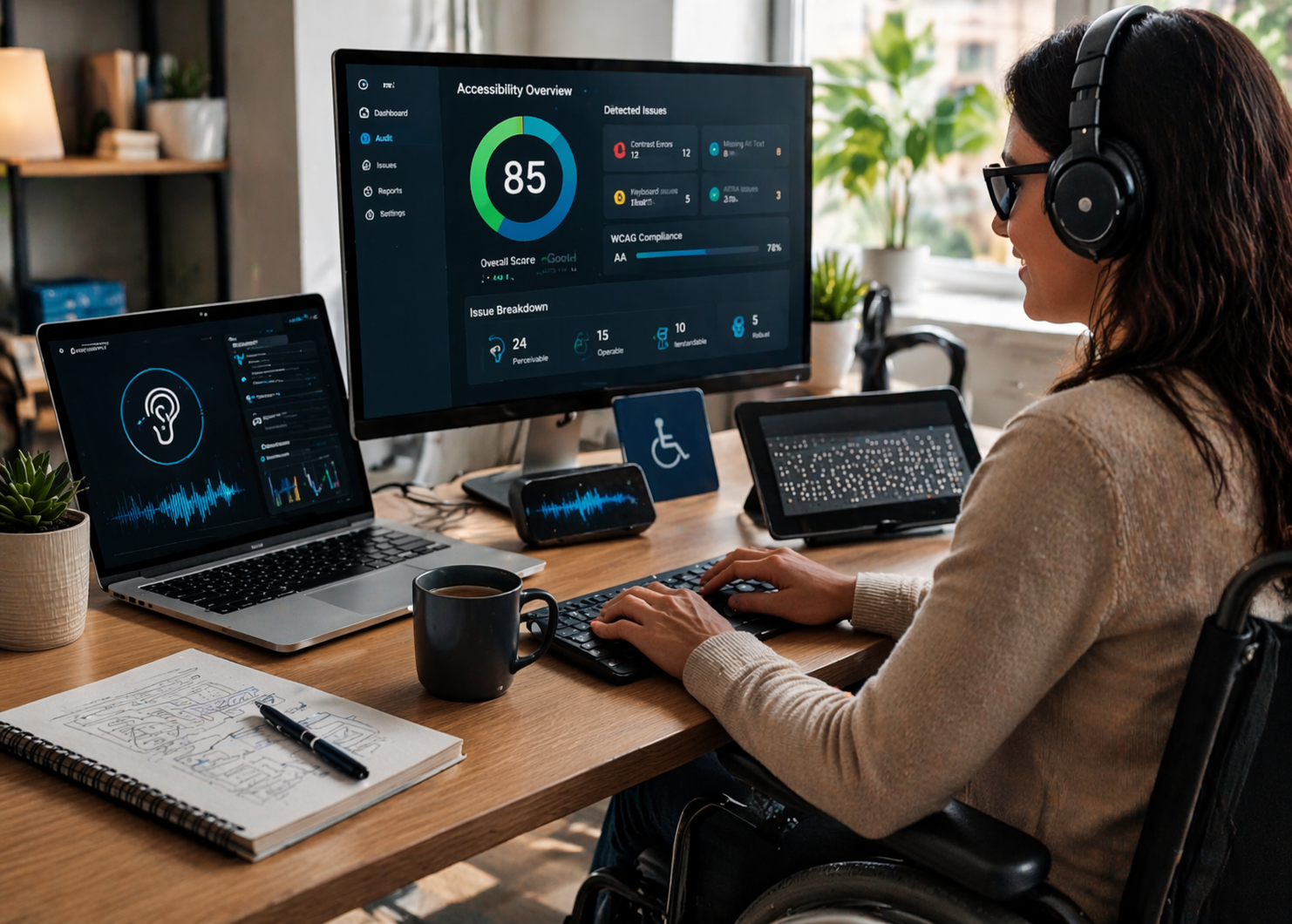
Creating an inclusive web is no longer optional—it’s essential. As digital platforms become central to everyday life, ensuring that websites are accessible to all users is a critical priority. Accessibility is essential for creating inclusive digital experiences. According to the W3C web accessibility evaluation tools list, a wide range of tools are available to help developers assess and improve website accessibility based on global standards.
In this expert guide, we’ll explore what website accessibility tools are, how they work, their key features, and why they are vital for modern digital experiences in 2026.
What Are Accessibility Tools for Websites?
Accessibility tools for websites are software solutions that help evaluate, monitor, and improve the accessibility of web content. These tools ensure that websites are usable by individuals with disabilities, including those with visual, auditory, cognitive, and motor impairments.
They typically support standards such as:
- Web Content Accessibility Guidelines (WCAG)
- ADA (Americans with Disabilities Act)
- Section 508 compliance
These tools can be automated, manual, or a combination of both, depending on the level of analysis required.
Why Accessibility Tools for Websites Matter
Web accessibility is about creating equal access to information and services. Businesses that invest in accessibility tools for websites can improve user experience while avoiding legal risks.
Key Benefits
- Improved usability: Enhances navigation and readability
- Wider audience reach: Supports users with diverse needs
- Better SEO performance: Improves search engine visibility
- Compliance support: Meets legal and regulatory standards
- Enhanced brand reputation: Demonstrates inclusivity
Accessible websites are not only ethical—they are also good for business.
Types of Accessibility Tools for Websites
1. Automated Accessibility Testing Tools
These tools scan websites for common accessibility issues.
What they detect:
- Missing alt text
- Poor color contrast
- Broken ARIA attributes
- Keyboard navigation issues
Automated testing tools are fast and scalable, making them ideal for large websites.
2. Manual Testing Tools
Manual tools allow human testers to evaluate accessibility more thoroughly.
Examples of checks:
- Screen reader compatibility
- Logical content structure
- User experience validation
Manual testing is essential for identifying issues that automation may miss.
3. Browser Extensions
Browser-based tools provide quick accessibility insights.
- On-page accessibility analysis
- Visual overlays
- Instant feedback
These tools are useful for developers during the design and testing phases.
4. AI-Powered Accessibility Tools
AI-driven solutions enhance traditional testing methods.
- Automated issue detection
- Predictive accessibility improvements
- Real-time remediation suggestions
These tools improve efficiency and accuracy.
5. Accessibility Monitoring Platforms
Monitoring tools track accessibility performance over time.
- Continuous scanning
- Real-time alerts
- Compliance tracking
This ensures long-term accessibility maintenance.
Key Features of Accessibility Tools for Websites
Comprehensive Scanning
Modern tools scan entire websites to identify accessibility issues quickly.
Real-Time Feedback
Developers receive instant insights while building or updating websites.
Integration with Development Workflows
Accessibility tools integrate with:
- CI/CD pipelines
- Code editors
- Testing frameworks
This allows teams to address issues early.
Reporting and Analytics
Detailed reports help prioritize and fix issues effectively.
- Severity levels
- Issue categorization
- Progress tracking
Automated Remediation
Some tools can automatically fix certain accessibility issues.
- Generate alt text
- Adjust color contrast
- Improve semantic HTML
How Accessibility Tools Work
Accessibility tools follow a structured process:
Step 1: Scanning
The tool scans web pages for accessibility issues.
Step 2: Analysis
It compares results against WCAG standards.
Step 3: Reporting
Issues are categorized and displayed in dashboards.
Step 4: Remediation
Developers fix issues manually or automatically.
Step 5: Monitoring
Continuous checks ensure ongoing compliance.
Real-World Applications
Web Development
Developers use accessibility tools for websites to ensure compliance during development.
- Code validation
- Pre-launch testing
- Continuous integration
E-Commerce
Online stores rely on accessibility for better user engagement.
- Accessible product pages
- Inclusive checkout processes
- Screen reader compatibility
Corporate Websites
Businesses use accessibility tools to improve user experience.
- Accessible navigation
- Clear content structure
- Improved readability
Government and Public Services
Public websites must meet strict accessibility standards.
- Compliance with regulations
- Inclusive service delivery
- Accessible information
Popular Use Cases
Accessibility tools are widely used for:
- Website audits
- Accessibility compliance testing
- UX/UI validation
- Mobile responsiveness checks
- Content accessibility improvements
These use cases demonstrate their versatility.
Key Considerations When Choosing Accessibility Tools
Accuracy
Choose tools that provide reliable results with minimal false positives.
Ease of Use
User-friendly interfaces improve efficiency.
Integration
Ensure compatibility with your development stack.
Scalability
Select tools that can handle large websites.
Support and Updates
Regular updates ensure compliance with evolving standards.
Challenges and Limitations
While accessibility tools for websites are powerful, they have limitations:
- Incomplete detection: Automated tools may miss complex issues
- False positives: Some results require manual verification
- Learning curve: Teams may need training
- Over-reliance on automation: Human testing is still necessary
A hybrid approach combining automation and manual testing is recommended.
Future Trends in Website Accessibility Tools
The future of accessibility tools is driven by innovation and AI.
1. AI-Driven Accessibility
More tools will use AI for smarter detection and remediation.
2. Real-Time Accessibility Feedback
Developers will receive instant guidance during coding.
3. Integrated Accessibility Design
Accessibility will be built into design systems from the start.
4. Voice and Gesture Interfaces
New interaction methods will improve accessibility.
5. Global Accessibility Standards
Greater alignment across international guidelines.
Best Practices for Using Accessibility Tools
To maximize effectiveness:
- Test regularly throughout development
- Combine automated and manual testing
- Involve users with disabilities in testing
- Prioritize high-impact issues
- Stay updated with accessibility standards
Accessibility is an ongoing process, not a one-time task.
Conclusion
Accessibility tools for websites are essential for building inclusive digital experiences. They help organizations identify barriers, improve usability, and maintain compliance with accessibility standards.
As we move into 2026, accessibility will become a core part of digital strategy. Businesses that invest in accessibility tools will not only meet legal requirements but also create better experiences for all users.