


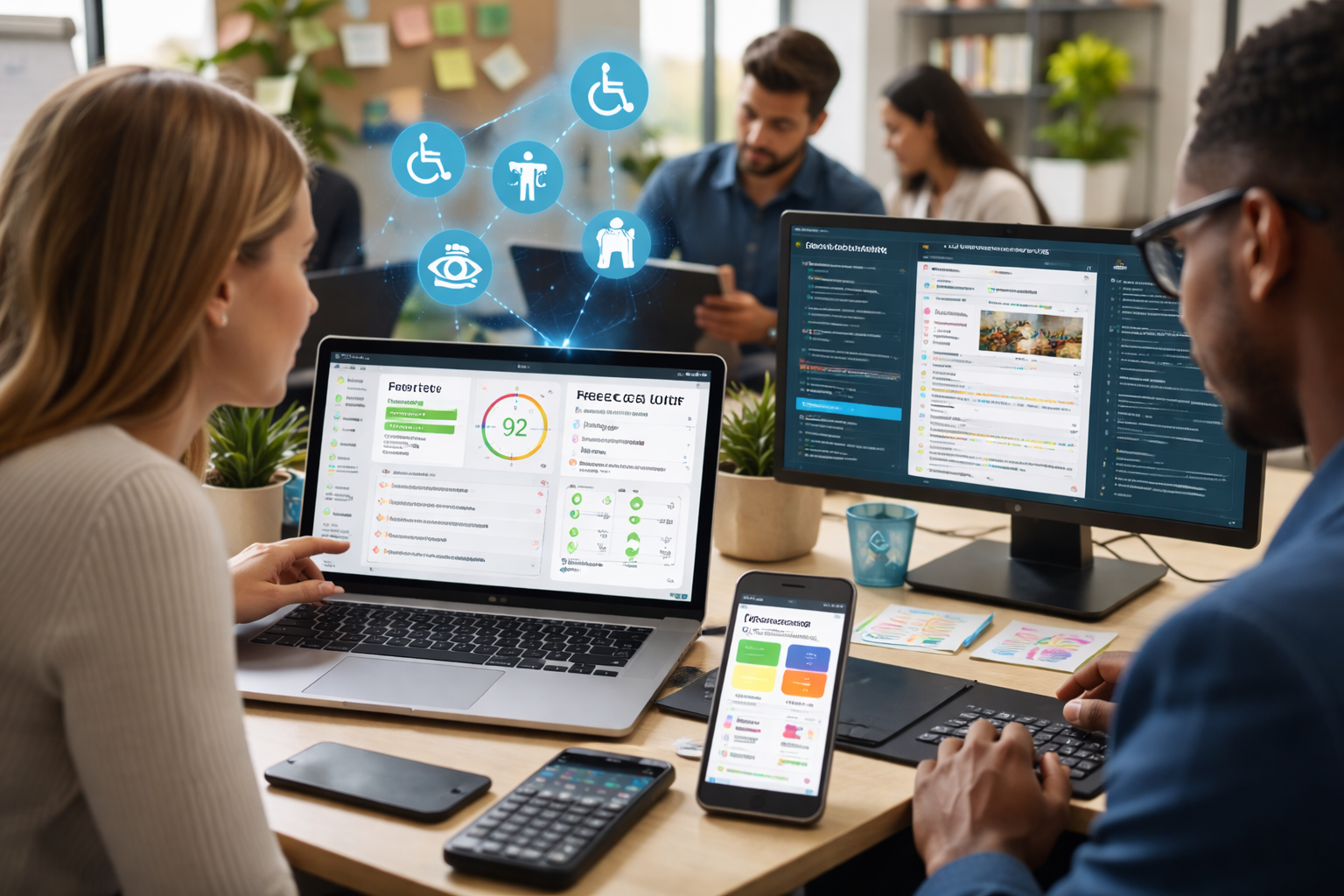
Accessibility is no longer optional—it’s a core requirement for modern digital platforms. As organizations strive to create inclusive experiences, the demand for cost-effective solutions continues to grow. Fortunately, free accessibility tools provide powerful capabilities for identifying and improving accessibility without requiring significant investment.
In this expert guide, we explore the best free tools available, their features, benefits, limitations, and how to use them effectively in 2026.
What Are Free Accessibility Tools?
Free accessibility tools are software solutions that help evaluate, monitor, and improve the accessibility of websites, applications, and digital content at no cost. These tools are widely used by developers, designers, and businesses to ensure compliance with accessibility standards such as WCAG.
They can include:
- Browser extensions
- Web-based testing platforms
- Developer tools
- Open-source frameworks
These tools make accessibility more accessible—especially for startups, small businesses, and independent developers.
Why Free Accessibility Tools Matter
Accessibility improvements should not be limited by budget. Free accessibility tools allow organizations to take the first step toward inclusive design without financial barriers.
Key Benefits
- Cost-effective: No upfront investment required
- Easy to use: Many tools offer simple interfaces
- Quick insights: Instant accessibility feedback
- Developer-friendly: Integrates with workflows
- Supports compliance: Helps meet WCAG standards
These tools are essential for teams starting their accessibility journey.
Best Free Accessibility Tools in 2026
Here are some of the most effective and widely used free tools:
1. Google Lighthouse
Overview:
A built-in tool in Chrome that audits accessibility, performance, and SEO.
Key Features:
- Accessibility scoring
- Performance insights
- Developer recommendations
Best For:
Developers and SEO professionals.
2. WAVE Web Accessibility Evaluation Tool
Overview:
A browser-based tool that visually highlights accessibility issues.
Key Features:
- Visual feedback
- Error detection
- Page structure analysis
Best For:
Designers and developers.
3. axe DevTools
Overview:
A powerful accessibility testing tool for developers.
Key Features:
- Automated testing
- CI/CD integration
- Detailed reports
Best For:
Engineering teams.
4. Accessibility Insights
Overview:
A free tool from Microsoft for accessibility testing and debugging.
Key Features:
- FastPass testing
- Guided assessments
- Issue tracking
Best For:
Developers and QA teams.
5. Lighthouse CI
Overview:
An automated version of Lighthouse for continuous testing.
Key Features:
- CI/CD integration
- Automated audits
- Performance tracking
Best For:
DevOps teams.
6. Tenon.io
Overview:
A flexible API for automated accessibility testing.
Key Features:
- API-based testing
- Detailed error reports
- Integration support
Best For:
Advanced developers.
Key Features to Look For
When choosing free accessibility tools, consider these essential features:
Automated Testing
Quick scans for common accessibility issues.
Visual Feedback
Clear highlights of errors on web pages.
Developer Integration
Compatibility with development tools and workflows.
Reporting and Insights
Detailed reports for issue prioritization.
Ease of Use
User-friendly interfaces for beginners.
How Free Accessibility Tools Work
Free accessibility tools analyze websites by scanning content and comparing it against established accessibility standards such as WCAG. As explained in a free accessibility tools for WCAG testing guide, these tools can detect issues, provide actionable recommendations, and help maintain compliance over time.
Most tools follow a structured workflow:
1. Scanning
The tool analyzes web pages or applications.
2. Detection
Accessibility issues are identified based on WCAG guidelines.
3. Reporting
Issues are displayed in dashboards or overlays.
4. Remediation
Developers fix issues based on recommendations.
5. Monitoring
Ongoing checks ensure continued accessibility.
Real-World Applications
Web Development
Developers use free accessibility tools to ensure accessibility during coding.
- Pre-launch audits
- Code validation
- Continuous testing
E-Commerce
Online stores use these tools to improve usability.
- Accessible navigation
- Inclusive checkout
- Better product descriptions
Content Creation
Content creators use accessibility tools to improve readability.
- Alt text generation
- Captioning
- Content structure improvements
Education
Educational platforms use accessibility tools to support diverse learners.
- Accessible learning materials
- Screen reader compatibility
- Captioned content
Limitations of Free Accessibility Tools
While free accessibility tools are valuable, they have limitations:
- Limited coverage: Detect only a portion of issues
- Lack of advanced features: Compared to paid tools
- Manual validation required: Human testing is still necessary
- Scalability challenges: May not handle large platforms efficiently
A hybrid approach combining free and paid tools is often ideal.
Future Trends in Free Accessibility Tools
The future of accessibility tools is evolving rapidly.
AI Integration
More tools will use AI for smarter detection.
Real-Time Feedback
Instant insights during development.
Cloud-Based Testing
Accessible from anywhere.
Improved Automation
More accurate issue detection.
Open-Source Growth
More community-driven tools.
Best Practices for Using Free Accessibility Tools
To maximize effectiveness:
- Use multiple tools for better coverage
- Combine automated and manual testing
- Test regularly during development
- Prioritize high-impact issues
- Stay updated with accessibility standards
Consistency is key to maintaining accessibility.
Conclusion
It plays a crucial role in making digital experiences inclusive and compliant. They provide a cost-effective way to identify and fix accessibility issues while improving usability and user satisfaction.
As we move into 2026, these tools will continue to evolve, offering more advanced features and greater accuracy. Businesses and developers that leverage can build better, more inclusive digital platforms without breaking their budgets.