


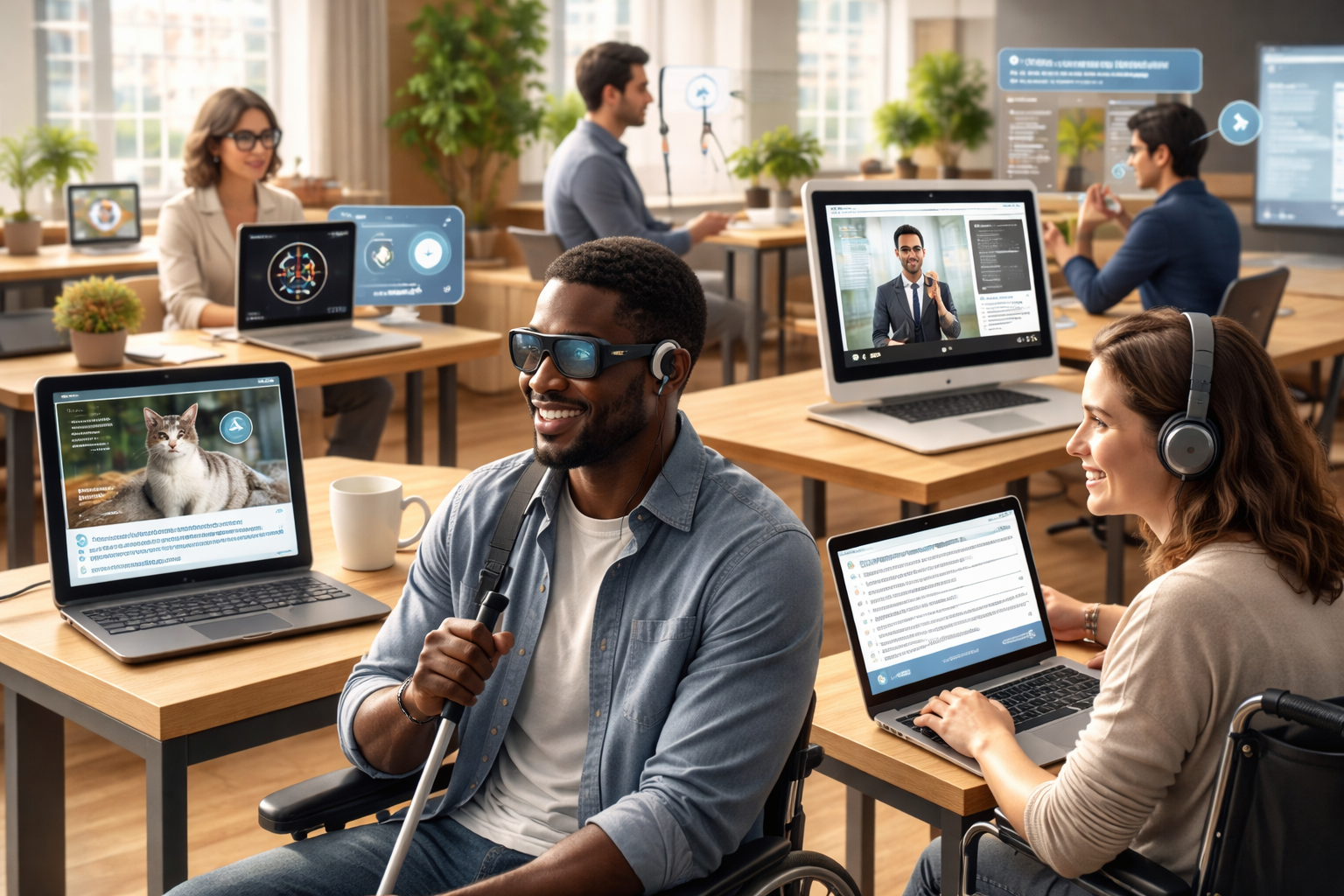
Artificial Intelligence (AI) is reshaping how people interact with technology, and one of its most impactful applications is in accessibility. AI accessibility tools are empowering individuals with disabilities to navigate digital environments more independently, efficiently, and confidently. From real-time speech recognition to computer vision and predictive text, these tools are bridging gaps and creating a more inclusive digital world.
In this expert guide, we’ll explore what AI accessibility tools are, how they work, their benefits, real-world applications, and the future of inclusive technology.
What Are AI Accessibility Tools?
AI accessibility tools are rapidly evolving to not only identify barriers but also provide automated solutions that improve usability and compliance. According to a comprehensive AI accessibility tools guide, modern systems now integrate machine learning and predictive analytics to enhance digital inclusion at scale.
These tools leverage technologies such as:
- Machine learning (ML)
- Natural language processing (NLP)
- Computer vision
- Speech recognition
- Predictive analytics
Their primary goal is to reduce barriers and enable equal access to information and services.
Why AI Accessibility Tools Matter
Accessibility is no longer optional—it’s essential. With over 1 billion people worldwide living with some form of disability, digital inclusion is both a social responsibility and a business opportunity.
Key Benefits
- Enhanced independence: Users can perform tasks without assistance
- Improved productivity: Faster interaction with devices and software
- Greater inclusion: Equal access to education, work, and services
- Compliance with standards: Meets guidelines like WCAG and ADA
Organizations that adopt AI accessibility tools also benefit from improved user experience, broader audience reach, and stronger brand reputation.
Types of AI Accessibility Tools
1. Speech Recognition and Voice Assistants
AI-powered speech recognition enables users to control devices, dictate text, and interact hands-free.
Examples of capabilities:
- Voice typing in documents
- Command-based navigation
- Real-time transcription
These tools are particularly useful for individuals with mobility impairments or dyslexia.
2. Text-to-Speech (TTS) and Screen Readers
AI-enhanced screen readers convert written text into spoken words with natural-sounding voices.
Key features:
- Context-aware pronunciation
- Emotion and tone detection
- Multilingual support
These tools significantly improve accessibility for visually impaired users.
3. Computer Vision for Visual Assistance
Computer vision uses AI to interpret visual data and describe surroundings.
Applications include:
- Object recognition
- Scene description
- Facial recognition
This allows users to “hear” what others see, enhancing navigation and awareness.
4. AI-Powered Captioning and Transcription
Real-time captioning tools use AI to convert speech into text instantly.
Benefits:
- Accessibility for deaf and hard-of-hearing users
- Improved comprehension in noisy environments
- Enhanced video content engagement
These tools are widely used in meetings, webinars, and video platforms.
5. Predictive Text and Writing Assistance
AI writing tools help users compose text more easily and accurately.
Features include:
- Grammar correction
- Sentence completion
- Context-aware suggestions
This is especially helpful for individuals with cognitive disabilities or learning disorders.
6. Gesture and Eye-Tracking Systems
Advanced AI systems can interpret eye movements or gestures to control devices.
Use cases:
- Navigating interfaces without a mouse
- Typing using eye gaze
- Operating assistive devices
These tools are transformative for users with severe mobility limitations.
Real-World Applications of AI Accessibility Tools
Education
AI accessibility tools are revolutionizing learning environments by:
- Providing real-time captions in lectures
- Offering personalized learning experiences
- Enabling voice-based interaction with content
Students with disabilities can now access educational materials more effectively.
Workplace Productivity
Organizations are integrating AI tools to create inclusive workplaces:
- Voice assistants for task management
- Automated meeting transcriptions
- AI-driven accessibility audits for software
This fosters a more diverse and productive workforce.
Healthcare
In healthcare, AI accessibility tools improve patient care by:
- Assisting communication between doctors and patients
- Enabling remote consultations with captions and voice tools
- Supporting mental health with AI-driven assistants
Accessibility in healthcare can be life-changing.
E-Commerce and Digital Services
AI ensures that websites and apps are usable by everyone:
- Automated alt text for images
- Voice navigation for online shopping
- Chatbots with accessibility features
Businesses that prioritize accessibility see higher engagement and conversion rates.
Key Features to Look for in AI Accessibility Tools
When choosing and must consider the following:
Accuracy and Reliability
AI models should deliver precise results, especially in speech and image recognition.
Customization
Users should be able to adjust settings based on their needs.
Integration
Tools should seamlessly integrate with existing platforms and workflows.
Multilingual Support
Accessibility should extend across different languages and regions.
Privacy and Security
Sensitive data must be handled responsibly and securely.
Challenges and Limitations
Despite their advantages, AI accessibility tools are not without challenges:
- Bias in AI models: May not work equally well for all users
- Cost barriers: Some advanced tools are expensive
- Learning curve: Users may need time to adapt
- Dependence on internet connectivity
Addressing these issues is crucial for widespread adoption.
The Future of AI Accessibility Tools
The future of It is incredibly promising. Emerging trends include:
1. Hyper-Personalization
AI will adapt in real time to individual user preferences and behaviors.
2. Multimodal Interfaces
Combining voice, gesture, and visual inputs for seamless interaction.
3. Edge AI for Offline Access
Reducing dependence on internet connectivity.
4. Inclusive Design by Default
Accessibility will be built into products from the ground up.
5. AI-Powered Assistive Companions
Advanced assistants that understand context, emotions, and intent.
Best Practices for Implementing AI Accessibility Tools
To maximize the impact of AI accessibility tools:
- Conduct accessibility audits regularly
- Involve users with disabilities in testing
- Follow global accessibility standards (WCAG)
- Provide training and support for users
- Continuously update and improve AI models
Accessibility is an ongoing commitment, not a one-time effort.
Conclusion
AI accessibility tools are transforming the digital landscape by making technology more inclusive and user-friendly for everyone. As AI continues to evolve, these tools will become even more powerful, intuitive, and essential.
For businesses, adopting It is not just about compliance—it’s about innovation, empathy, and growth. For users, it’s about independence, opportunity, and empowerment.
By embracing AI-driven accessibility, we move closer to a world where technology truly works for all.